
From a static brand style guide to a dynamic brand experience
Many marketing and brand managers are familiar with this frustration. A beautifulbrand guidelines manual has been designed, the brand identity or rebranding is rock-solid, and yet you regularly see outdated logos, incorrect typography, or unapproved images popping up in presentations and on social media. No matter how well the guidelines are laid out in a 40-page PDF, in the hustle and bustle of day-to-day work, reality catches up with the manual.
Research into the future of brand-building shows that brand identity is no longer a static document, but a living ecosystem. In a world where content must appear faster and across more channels, the role of brand stewardship is shifting from that of a reactive “brand police” to one of facilitating teams with a Brand Portal.
In this article, we explain what “ Brand Portal ” software is, why it’s the successor to the traditional brand style guide, how it works with Digital Asset Management (DAM), and how you can make the transition from digital chaos to clarity and brand consistency.
What is “ Brand Portal ” software?
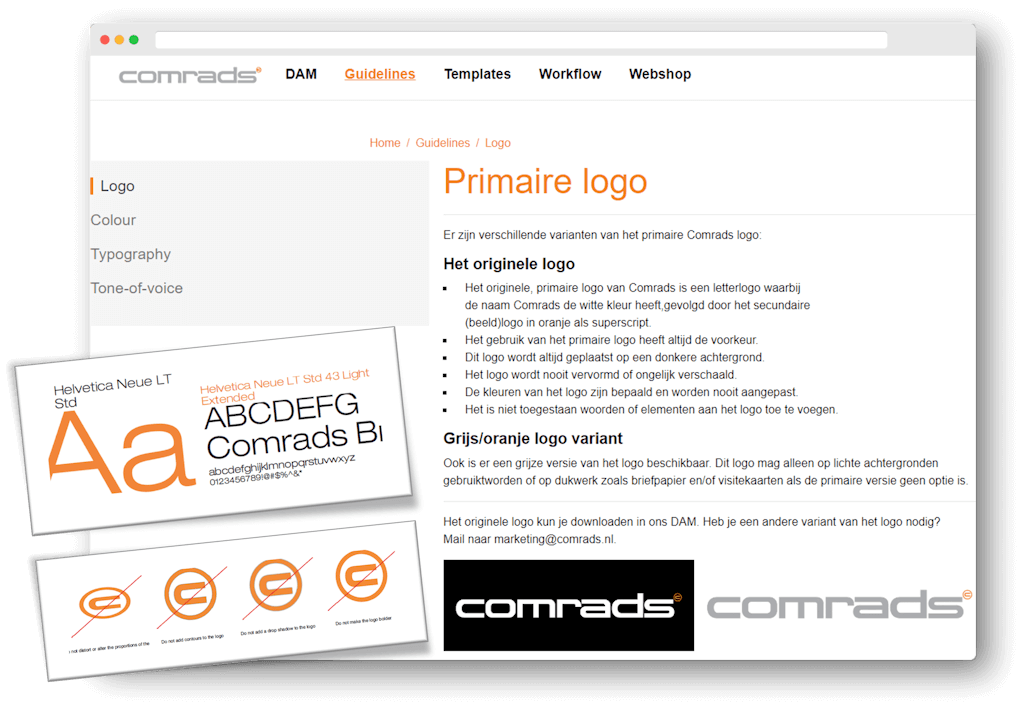
Brand Portal Software (also known as an online brand portal or online Brand Guidelines) is a centralized, digital environment that brings together all of an organization’s brand guidelines, logos, templates, color codes, typography, and media assets.
Whereas a traditional brand style guide ( ) merely describes how the brand should be used, a brand portal ( Brand Portal ) often makes it possible to apply the brand guidelines immediately. Employees, external agencies, partners, and branch offices not only find the rules there, but can also immediately download the correct, approved files or, when necessary, create new brand assets themselves using smart templates.
Traditional Brand Guidelines Manual (PDF or intranet)
Static & quickly outdated
Apart from the actual files
Manual inspection by the "trademark police"
No insight into usage or downloads
Modern online Brand Portal
Always up to date and the latest version (Single Source of Truth)
Guidelines Directly Linked to Digital Assets
Self-service within fixed brand boundaries
Control Through Permissions, Roles, and Authorization
Why Static Guidelines Fail in a Modern Content Operation
The way organizations produce content has changed dramatically in recent years. According to the “2026 State of AI in DAM & Content Operations Report’ reveals that 79% of organizations use AI and digital automation to keep up with the flow of content. But producing content faster carries a major risk: brand dilution. Organizations that rely on isolated network drives, Dropbox folders, Canva templates, and PDF manuals face three major challenges every day:
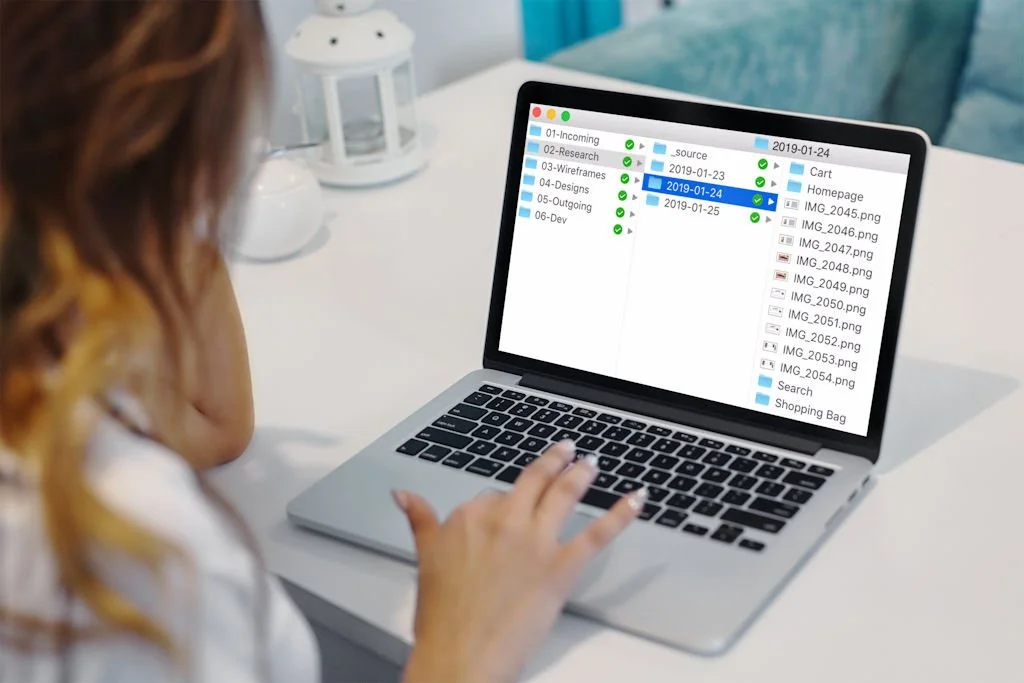
The "Brand Police" Pitfall: The marketing team spends 20% of their time answering questions like “Where can I find the logo with a transparent background?” or rejecting incorrectly formatted documents.
Proliferation of local variations: Local offices, sales teams, or external partners, pressed for time, end up creating their own designs in PowerPoint or Canva, resulting in a fragmented brand image.
Search and Licensing Issues: Images and videos are stored in various locations. Valuable visual material cannot be found, or—worse yet—images whose licenses have expired are accidentally reused.
The 4 pillars of a successful Brand Portal
A professional Brand Portal solution is based on four key features that simplify the work of marketing and communications teams:
1. Interactive Brand Guidelines
Brand guidelines are available online, searchable, and visual. Instead of long blocks of text, users can immediately see how a logo should be placed, including the correct color codes (RGB, CMYK, HEX), which can be copied with a single click.
3. Brand Templates (DTP Automation)
With the built-in Brand Templates software, colleagues with no design experience can create social media posts, flyers, brochures, or banners on their own in just a few minutes. The brand identity elements (such as logo placements, brand colors, and fonts) are locked down, while users can only customize the text, images, and/or output formats.
2. Integrated Digital Asset Management
A Brand Portal acts as the visual interface on top of your central Digital Asset Management (DAM) system. This is the Single Source of Truth where all photos, videos, icons, and presentations are securely stored and tagged with smart metadata and usage rights.
4. Roles, Permissions, and Authorization
Not everyone needs to see everything. By setting permissions and roles, you can give internal employees, the press, franchisees, or external agencies exactly the access that is relevant to them.
Where does your organization stand on the DAM & Brand Maturity Ladder?
At Comrads, we approach brand management using the DAM Maturity Model. Many organizations we speak with are at Level 2 (Basic Structure / Centralization):
Level 1 (Ad Hoc / Chaos): Files are stored on local computers, in emails, and on separate cloud drives such as Dropbox or OneDrive. There is no control over brand identity.
Level 3 (Organized/Operational DAM & Brand Portal): Brand guidelines and assets are accessible centrally. Employees manage their own work within approved parameters.
Level 2 (Basic Structure): There is a shared drive or SharePoint, but employees spend a long time searching through folder structures, use outdated files, and the marketing department constantly acts as the “brand police.”
Levels 4 & 5 (Strategic & Connected Ecosystem): The DAM is integrated with CMS, PIM, and/or marketing tools, with AI supporting automated tagging and localization. Brand Templates ensure that brand guidelines are directly translated into templates that are consistent with the corporate identity.
Level 2 organizations achieve the fastest and greatest gains by switching to organized Brand Portal and Digital Asset Management software. This immediately results in time savings, a lighter workload for the marketing department, and a cohesive brand presentation.
Comparison: Regular Cloud Storage vs. Brand Portal Software
| Functionality | Shared Network Drive / Cloud Storage | Dedicated Brand Portal s Software |
|---|---|---|
| Brand Guidelines | Standalone, static PDF files or intranet pages that quickly become outdated | Online, interactive, and always up-to-date (Single Source of Truth) |
| Asset Discoverability | Depending on the folder structure and exact file names | Powerful search function with tags, categories, and AI metadata |
| Self-service formatting | Not possible (complete reliance on designers) | Brand Templates for Fast, Independent Content Creation |
| Access management | Complex rights management by folder or "all-or-nothing" access | Filtered access based on roles, departments, and partners |
| Trademark Monitoring | Time-consuming, manual checks by the "brand police" | Automatic enforcement of brand guidelines and approved assets |
Bring your brand to life with Comrads
Do you find yourself constantly searching for the right files, or do you spend too much time ensuring brand consistency within your organization? At Comrads, we believe in a personalized, pragmatic approach. Our Brand Portal software helps organizations make the transition from scattered folders and PDFs to a well-organized, centralized brand environment. This gives your team the peace of mind and the tools they need to effectively showcase your brand.
Ready to make the leap from brand chaos to brand success?
Schedule a no-obligation consultation and discover what an online Brand Portal can do for your organization.
Frequently Asked Questions (FAQ)
-
A DAM system is the central backend hub where all digital media assets are stored, managed, and organized. A Brand Portal is the user-friendly frontend platform that brings together brand guidelines, inspiration, and assets into an inspiring brand environment for the user.
-
No. Even medium-sized organizations that work with multiple departments, external agencies, franchisees, or a network of dealers can immediately benefit from an Brand Portal. As soon as a significant amount of time is wasted searching for and manually sending files, a portal saves time.
-
An " Brand Portal " is a centralized online work environment that serves as the single source of truth for all approved digital and physical assets, combined with clear guidelines.
With Brand Templates, you can take it a step further and allow colleagues to create their own materials without violating brand guidelines. For example, the logo cannot be moved, or you can only select approved images.